Lifecycle stage Visitor
The wallet as your app
Add your event to a customer's calendar with one tap, no app
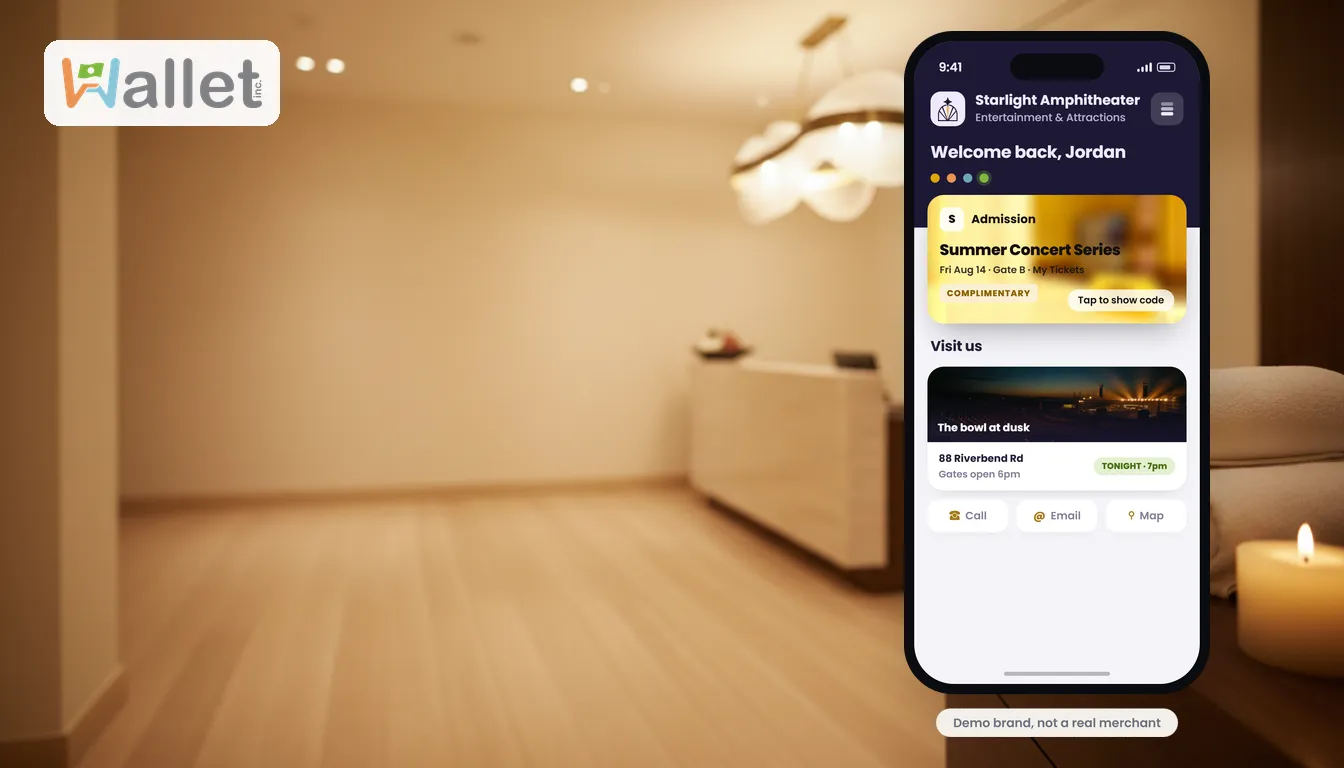
You can announce an event a dozen ways, a post, an email, a flyer, and still lose people to the most ordinary failure of all: they meant to come, and it slipped their mind. The fix is not another reminder from you. It is getting the event onto the one calendar they actually check: the one on their phone. Here is how a wallet does that in a single tap.
How it works
On an event in your wallet, a class, a sale, a tasting, an appointment, the customer taps Save to Calendar, and the phone offers to add it to their own calendar. That is the whole flow. No app to download, no account to create, just the event, on their calendar, where they will see it when they are deciding what their day looks like.
Because it uses the phone’s own calendar, it works the same on iPhone and Android, and it lands in the app the customer already trusts to run their week.
Why the calendar beats another announcement
A post competes with a thousand other posts and is gone by the afternoon. An email waits in an inbox to be missed. The calendar is different: it is the short list of things a person has actually committed to, and it is the thing they open to plan. An event that lives there is not competing for attention; it is already on the schedule.
That is the shift worth making. Instead of reminding people about your event from the outside, you put it inside the tool they use to organize their life, and let the calendar do the reminding.
Good candidates
Anything with a date is a fit: a workshop or class, a launch or sale day, a tasting or pop-up, a members-only night, a booked appointment. If missing it costs the customer (and costs you a no-show), it belongs on their calendar, not just in their feed.
Where this fits
Saving an event to the calendar is a Visitor-stage moment: an easy, low-commitment action that plants you in the customer’s week. It is one of the native handoffs a wallet can do that a website cannot, alongside tap to call and tap for directions. For the full set, see what a mobile wallet does that a website can’t.
Want to put your next event on your customers’ calendars? See how.