Lifecycle stage Visitor
The wallet as your app
Digital business cards: what they are, how they work, and how to make one
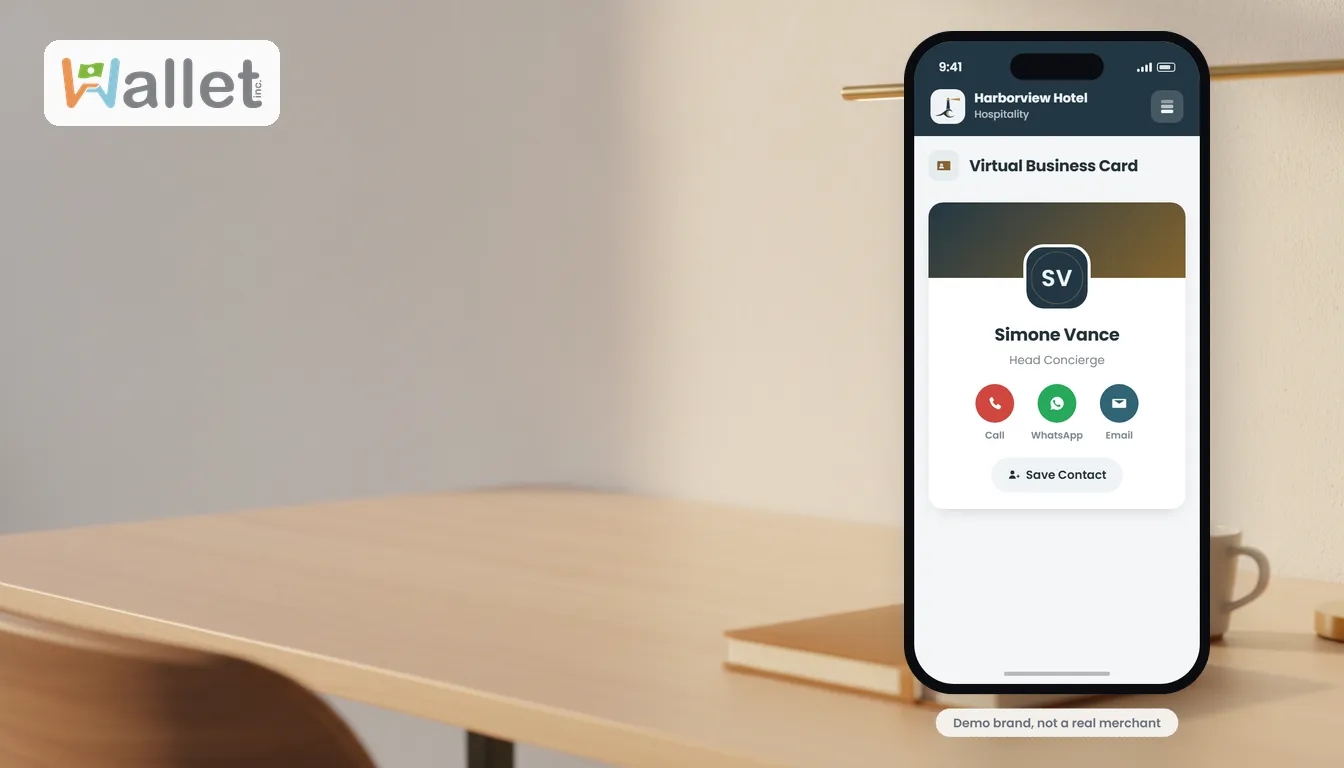
You hand someone a paper business card and one of two things happens: they lose it, or the details go stale the next time you change your number, title, or company. A digital business card fixes both. It is your contact information shared in a tap or a scan, that never runs out and updates itself. Here is what it is, the ways to share one, how to make one, and how to make it actually work for your business rather than just sit in someone’s phone.
What a digital business card is
A digital business card is your contact details, name, role, phone, email, website, socials, shared as a tap, a scan, or a saved contact file, instead of printed on card stock. The other person gets your information straight onto their phone, and you never reach into your pocket for a card you forgot to restock.
Because it is a live link rather than ink on paper, you can update it after the fact, and everyone who saved it sees the new version. That one difference, that it stays current, is most of the point.
How a digital business card works
There are three common ways to share one, and a good digital card supports all three so you can hand it over however the moment allows:
- A link. Send it in a text, an email, or a chat, or drop it in your email signature. Useful when you are not face to face.
- A QR code. Someone scans it with their phone camera, at an event, on a sign or table tent, or printed on the back of a traditional card, and your details open instantly.
- A saved contact (vCard). The card drops straight into their phone’s address book, so you are searchable later under your name.
Once shared, the card lives on the recipient’s phone. With Wallet it can also live in the branded wallet they keep on their phone, alongside the passes and cards they already carry, so you are one tap away rather than buried in a long contacts list.
How to make a digital business card
- Set up your details once, name, role, contact, website, socials, and your brand.
- Choose how you will share it, a link for digital, a QR for in person, a vCard for saving to contacts, or all three.
- Share it. Add the link to your email signature, put the QR on a sign or the back of a printed card, or tap to send it in person.
- Update it whenever something changes, and every copy you have already shared reflects the change. No reprint, no re-send.
With Wallet, your digital business card is part of your wallet, in your brand, with no app for the recipient to download.
What to put on it, and what to leave off
A good digital business card is focused. Lead with the one thing you want people to do, call, book, visit your site, then your core contact details, then your most important links. Resist the urge to add everything; a card that does one thing clearly beats one that lists ten. Add your logo and brand colors, they do the quiet work of looking legitimate in the two seconds someone decides whether to save you.
Digital vs paper business cards
A paper card is cheap to hand out and instantly familiar, but it is static, easy to lose, and impossible to measure. A digital card is shareable by link, QR, or tap, never goes stale, and is far less likely to be lost because it lives on the phone people always have. For a business it can also tell you it was shared. Many people carry a few paper cards and a digital one and use whichever fits the moment; the digital one is the version that keeps working after the handshake.
Does a digital business card go in the phone wallet?
A common question, and it is worth being precise. A saved contact (vCard) drops into the phone’s address book. Separately, with Wallet the card can live in the branded wallet you give the recipient, the one they keep on their phone, so your details ride along with the offers and passes they already carry.
One distinction trips people up: a contact card is not the same as a loyalty card. A contact card holds your details; a loyalty card holds points and rewards, and it is a different setup. If what you want is your points-and-rewards card in a customer’s phone wallet, that is covered in our guide on loyalty without an app.
Why it is worth doing, especially for a business
A digital business card is a small upgrade with real payoffs: you never run out, your details are never stale, sharing is faster than fishing for paper, and it is far less likely to be lost. For a business it is also a first touch you can build on. A shared contact is the start of a relationship: from there you can point people to your offers, your booking, or a wallet they keep, turning a hello into a customer. And a Wallet business card is free to create and share, part of the free Visitor tier.
The takeaway
A paper card stops working the moment it is handed over. A digital business card keeps working: it updates itself, it is hard to lose, and for a business it is a first touch you can turn into a relationship. Make yours, free.